
How to Search Civil Dockets
Civil searches for Kandiyohi County begin in MCRO. Open Minnesota Court Records Online, the free state portal. That is where a Kandiyohi civil docket search starts. Choose Name, Case Number, or Attorney as your route. Pick the Civil category, and set Court Locations to Kandiyohi when the matter belongs to this county. Name searches work for people and businesses alike. Exact spelling is the default setting; a trailing wildcard and a Sounds Like option exist too, but each carries its own rules and the two cannot be combined. Where the form permits date filed or date of birth, those fields trim a long result list.
- Select the MCRO route that matches the information available.
- Choose Civil and the Kandiyohi location filter.
- Open the matching result through View Case Details.
- Compare the Overview with Case Events, Hearings, and recorded disposition information.
Keep one distinction in mind. The case detail screen is only an index and chronology. A complaint, answer, motion, order, or judgment is a separate document record, and each may carry its own access status.
Kandiyohi County Civil Docket Search Controls
The county filter does the real work here. It separates Kandiyohi County results from statewide name matches. MCRO's Civil category is one statewide system with a county filter rather than a separate Kandiyohi civil portal. The search fields help only when aimed at the right case. Treat a displayed case status with care. The live option labels are not a published list of every procedural possibility.
| Field | Type | Required | Kandiyohi use |
|---|---|---|---|
| Name / Case Number / Attorney | Search route | One route | Choose the identifier available. |
| Name type | Control | Route dependent | Person or Business. |
| Date filed | Date or range | Optional | Narrows the civil result set. |
| Civil | Checkbox | Optional | Select Civil; Family is separate. |
| County/location | List | Optional | Choose Kandiyohi rather than statewide. |
When you hold the complete court file number, MCRO Document Search is the next route.
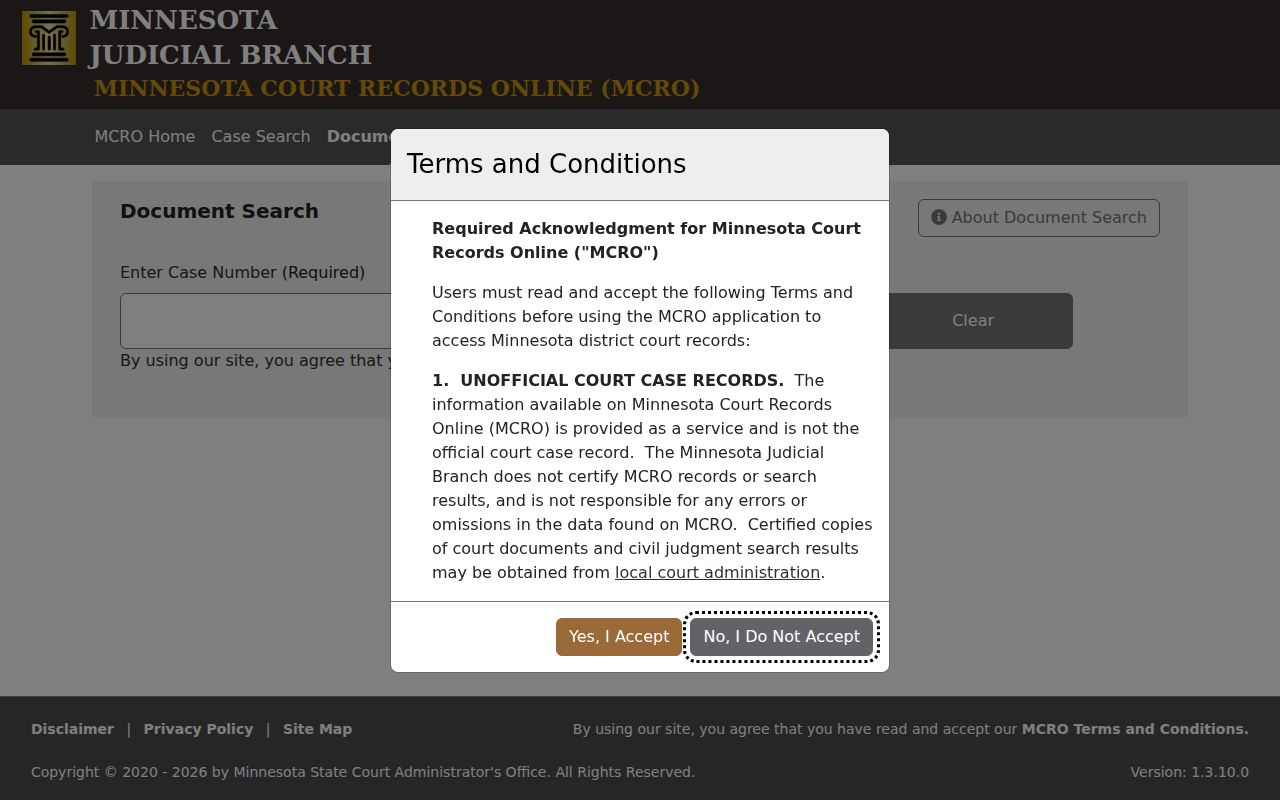
Document Search takes only a full case number and returns a document list, not an open-ended name search.
Kandiyohi County Civil Docket Court Structure
Contracts, debt, property, injury, and similar civil disputes are filed in a unified structure. That structure is the Kandiyohi County District Court. Conciliation Court is a division of that court. It is not a second Kandiyohi courthouse. No county civil court, justice court, or municipal civil-docket portal operates alongside the district court. Confirm a case type and venue from MCRO or from the Kandiyohi County District Court file number instead of assuming it from a city address. Family, probate, and mental-health matters sit in separate categories with their own public-access limits. So begin in the Civil category unless court documents point elsewhere.
What a Civil Docket Shows
A case detail screen answers most court-file questions within public-access limits. A Kandiyohi civil Register of Actions can show the Kandiyohi County case number, the title or style, date filed, venue, civil category, judicial officer, status, and related cases. Party roles may include plaintiff or petitioner, defendant or respondent, and intervenor. The dated entries can record a complaint or petition, service activity, an answer, motions, notices, orders, hearings, settlement, judgment, and post-judgment events.
| Header | Case number, style, filing date, venue, category, judge, status, and related cases. |
|---|---|
| Parties | Displayed roles, attorneys, and representation within access limits. |
| Events | Complaint, service, answer, motion, notice, order, and hearing activity. |
| Documents | Event description, document index, and View Document when public and available. |
| Result | Judgment, dismissal, settlement, default, or another recorded outcome. |
Always read the actual event and document where one is available. A title or search result alone never gives the terms of a court action.
Kandiyohi County Civil Docket Event Order
A useful civil record is a sequence, so verify the county and case type first. Then find the initiating complaint or petition. Follow service, and trace the responsive pleading, motions, orders, and hearing settings in order. Results may load newest first. Reverse the order mentally, or use the Oldest First control, when tracing the path from filing forward.
- Notice of Hearing
- Scheduling information, not a ruling.
- Motion
- A request for Kandiyohi County District Court to make an order or ruling.
- Order
- The judge’s direction or decision entered in the Kandiyohi County case.
- Related case
- A connected filing or proceeding shown through cross-reference.
A reset leaves the former date in the history, so the later upcoming hearing is the operative setting.
Types of Civil Cases on the Docket
Kandiyohi civil dockets cover contract, debt, property, injury, and Conciliation Court matters. The court record also separates ordinary civil cases from family, probate, and mental-health categories. A category is a procedural label, nothing more. It is not a decision on the merits. Small-claims searchers should take the civil path. Confirm the division with Kandiyohi County Court Administration.
| Record type | Kandiyohi route | Important distinction |
|---|---|---|
| Ordinary civil | MCRO Civil and Case Details | The Register is the Kandiyohi County case timeline. |
| Conciliation | Kandiyohi County District Court civil structure | A division, not a separate courthouse. |
| Family or probate | Separate MCRO category | Remote documents can be more limited. |
Kandiyohi County Civil Docket Documents
A docket entry is not the paper itself. The index may show a filing but no public attachment. Use Document Search when you want the actual document. Type the full case number, with or without hyphens; leading zeros are accepted too. Spaces and an incomplete number get rejected. Results run newest first, and some entries carry a View Document control.
The Minnesota court-record access framework sets what a court lets you inspect or copy. A document that is not available remotely can still be requested from Kandiyohi County Court Administration. The docket already lists the filing, even so.
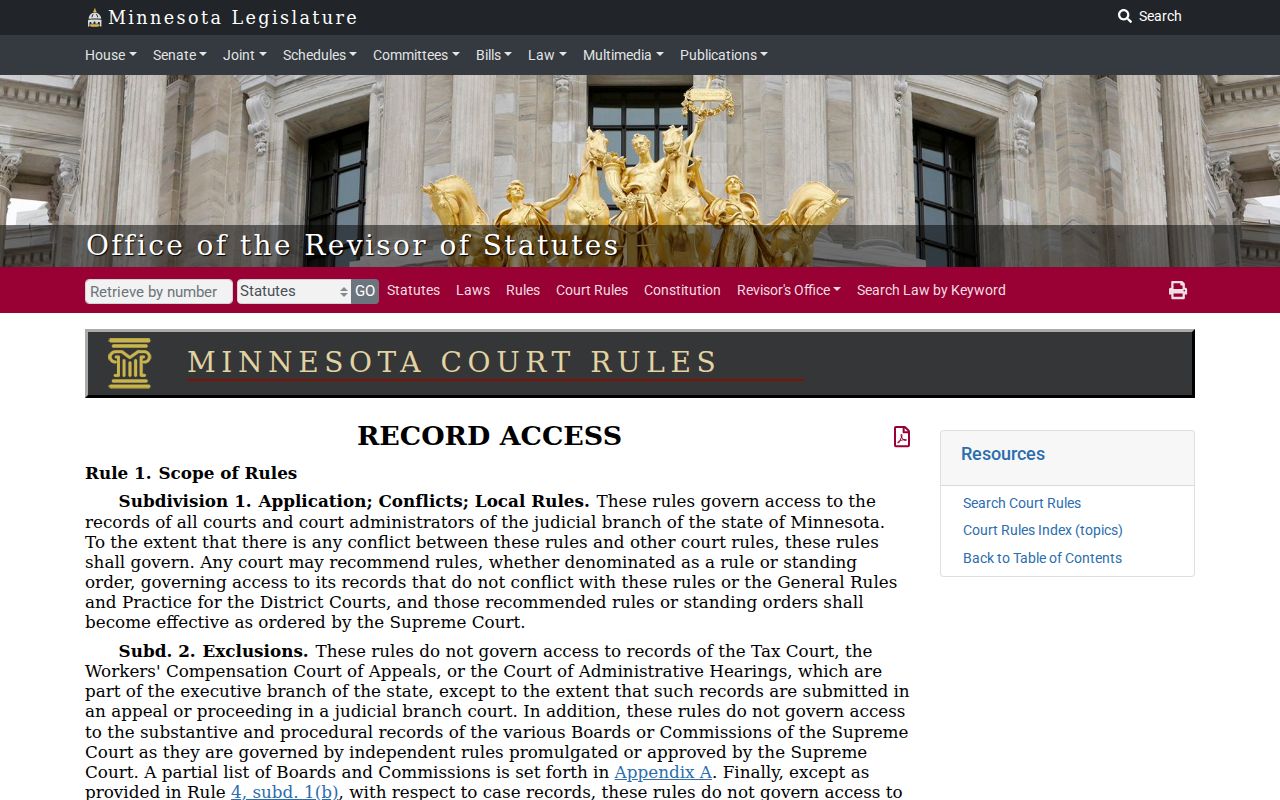
That access rule explains why the public docket and the full court file do not always match.
Settings and Hearings on Civil Dockets
Hearing information stays tied to the county case record. A Kandiyohi civil hearing can be found through MCRO Hearing Search. Search there by case number, name, judicial officer, or attorney. Enter an exact hearing date or a range. Then select Civil and Kandiyohi, and review Hearing Type, Hearing Date, and View Case Details. Case Details may supply the time, judicial officer, or courtroom where that information is public. The daily Kandiyohi calendar is a public posting, not a complete calendar. It goes up at 7:00 a.m. on business days. It receives hourly updates, and can omit confidential or non-remotely accessible matters. For current confirmation, use the printed calendars at the courthouse.
Kandiyohi County Civil Docket Outcomes
A Kandiyohi County civil docket keeps recording events until the court enters something final. That first result is not automatically a judgment. It might turn out to be a money judgment, a default judgment, a dismissal, or another kind of order. So read the actual document whenever you can. A settlement may carry its own filed order or judgment. A dismissal should say whether it is with or without prejudice.
Look twice at anything filed after the result. Satisfaction or partial satisfaction, a transcript of judgment, a writ, an appeal, or a related case can all follow. Any of them can change the picture later. For public monetary judgments that have been docketed, Judgment Search offers a separate MCRO route. Keep one caution in mind. A continued or reset hearing is not a final result on a Kandiyohi civil docket.
Public Access to Civil Dockets
Kandiyohi County court files run on Minnesota judicial rules. The local access contact is Kandiyohi County Court Administration. Rule 8 of the Minnesota Rules of Public Access is the primary route to a Kandiyohi court file. It splits Registers of Actions, calendars, indexes, and judgment data away from exhibits and other categories that are not remotely available. Remote access also strips personal identifiers such as Social Security numbers, street addresses, telephone numbers, and financial-account information.
Minnesota's Government Data Practices Act supplies background. A judicial file still is not an ordinary county executive-branch request. For inspection or a copy, ask Kandiyohi County District Court through Kandiyohi County Court Administration under District Court access rules. Confidential or sealed records take the CON101 judicial-access process. That track differs from a routine copy request.
Minnesota Rule 8 is the official source on remote-access limits for a Kandiyohi civil court docket. Check it before concluding a record is closed.
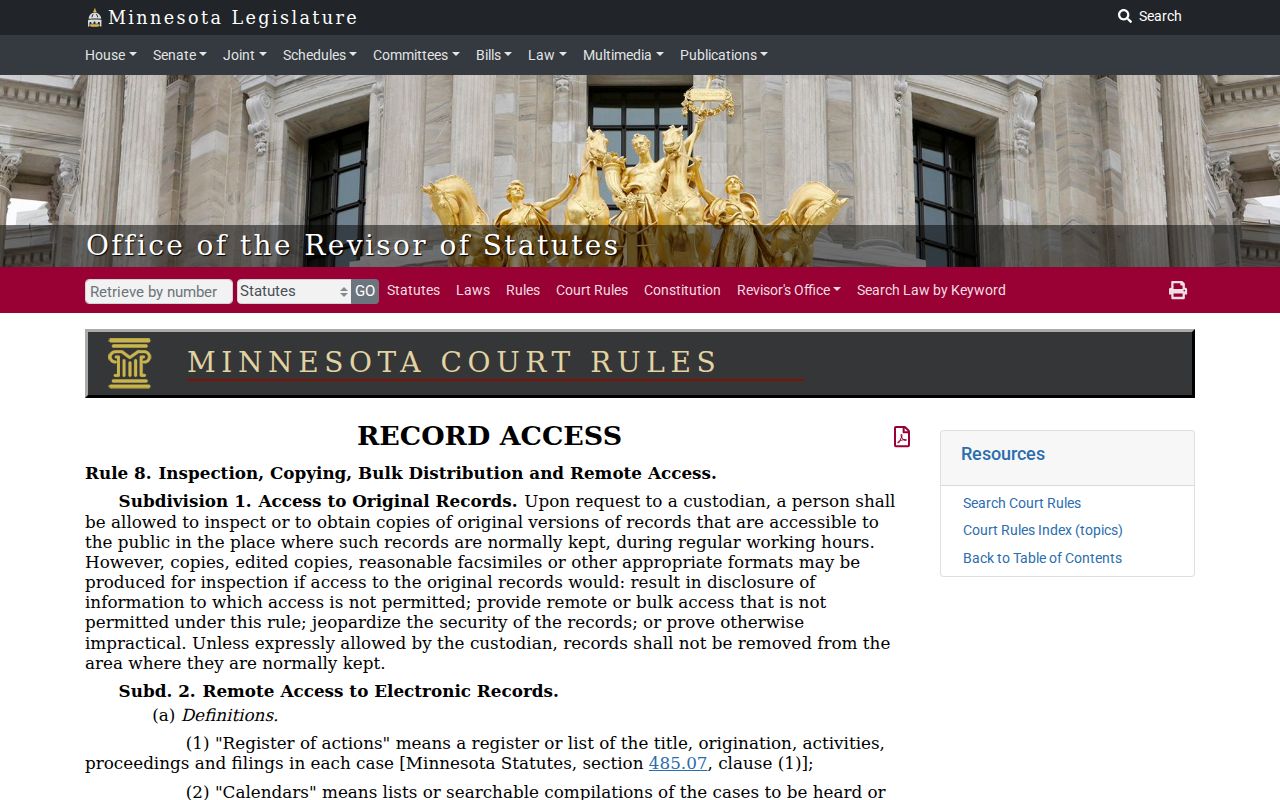
This is why a Kandiyohi civil court docket can show public event information while certain exhibits stay off limits remotely. Rule 8 draws that line.
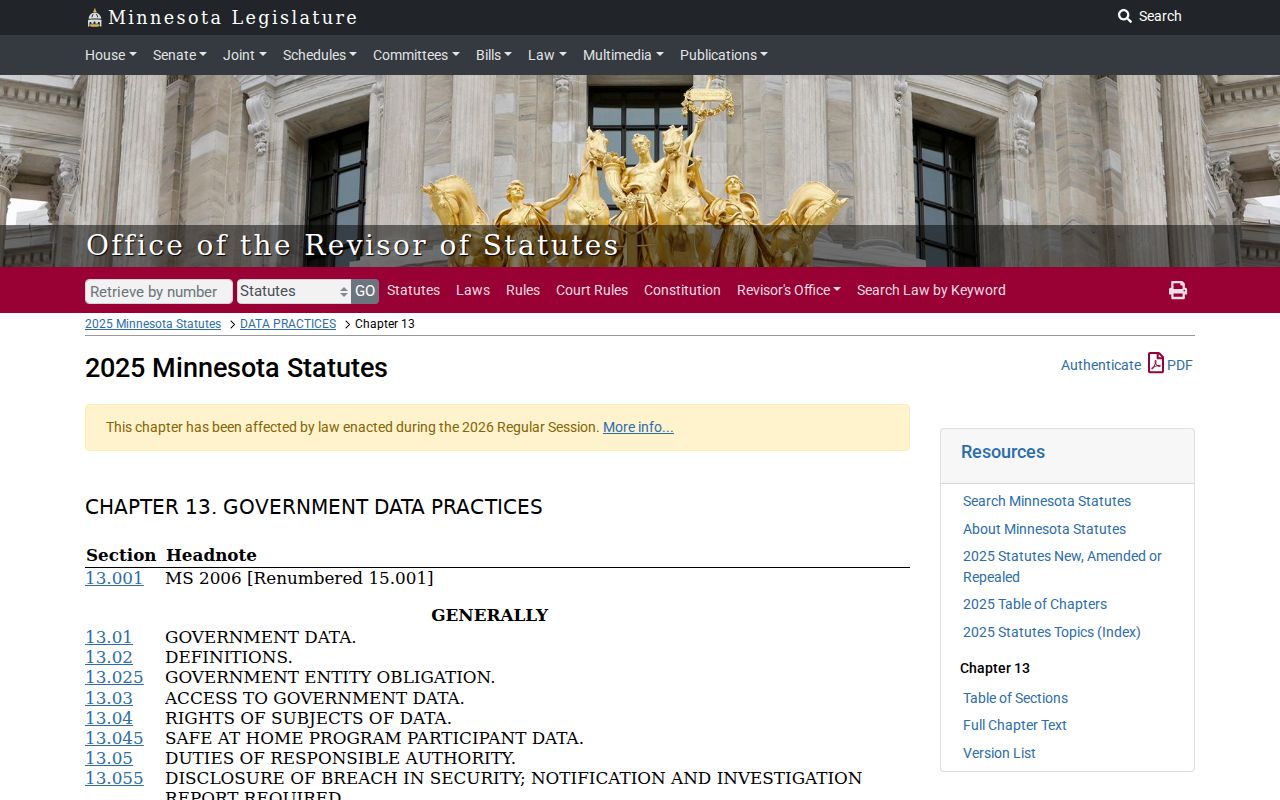
When in doubt, start with the judicial access rule. Kandiyohi County Court Administration remains the first stop for any Kandiyohi County District Court file.
Access limit. A missing remote case or document can reflect a protected category, a seal, older coverage, or a retention issue. It does not establish that no court record exists.
Kandiyohi County Civil Docket Copy Help
Any copy request should identify the Kandiyohi County case. For older civil files, inspection, and copies, the local route is Kandiyohi County Court Administration at 505 Becker Avenue SW, Willmar, MN 56201. Call (320) 231-6206 for copy instructions on your specific case. A mail request can use the statewide form or a letter. Either way, include the file number, case caption, the exact document or Register you want, the copy type, a return address, and payment when required. Plain MCRO viewing is free where it is accessible. Certification and other copy services can carry fees.
A transcript request works differently. It needs the Kandiyohi County case number, the proceeding date, the judge, and other details, and it goes to the Kandiyohi County District Court reporter.