
Searching Cases by Name
Name searches in Kandiyohi County work best when you apply the county location filter. For a free Kandiyohi case search by name, use Minnesota Court Records Online, or MCRO. Pick Person or Business. Then fill in the last, first, and middle name fields as you have them. Exact matching is the default. A wildcard is allowed in some situations. Type at least two characters and end with a trailing *. The Sounds Like option catches names close in spelling that start with the same first letter. It will not combine with a wildcard.
- Open MCRO Case Search for Kandiyohi County cases and select the Name route.
- Choose Person or Business and enter the available name fields.
- Use optional date-of-birth, filed-date, category, and location controls to narrow results.
- Select Kandiyohi in Court Locations for a county-focused result.
- Open View Case Details and read the record rather than relying on a result card alone.
Search a name like Johnson statewide and you may drown in matches. Trim the list by locking the Kandiyohi county selector and picking the right case type before you search a Kandiyohi County court docket by name.
| Field label | Type | Required | Format note |
|---|---|---|---|
| Name | Search tab | No | Person or Business route. |
| Case Number | Search tab | No | Complete court file number. |
| Citation Number | Search tab | No | Traffic-style citation route. |
| Attorney | Search tab | No | Name or bar number. |
| Case category | Checkboxes | Optional | Civil, Criminal, Family, Probate, or Mental Health. |
| Court Locations | County list | Optional | Statewide or Kandiyohi. |
Kandiyohi County Case Search Name Options
Name matching comes in three flavors. Exact match, wildcards, and Sounds Like each cast a different net, so pick one deliberately rather than all at once. When results come back, compare the Kandiyohi County case number, the case style, the court location, and the parties. A shared name alone never proves you found the right person. MCRO can also narrow things with an optional filed-date range, plus date-of-birth fields where those are permitted.
Watch the 200-result cap. A tight Kandiyohi search keeps you under it. Newest records load first by default, but the Oldest First control surfaces older docket entries. Print list works fine as a scratch reference; open the case itself for the actual Register of Actions.
Searching by Case Number
Numbers beat names. For a Kandiyohi case search, a complete court file number points to one Kandiyohi County court file far more reliably than any name query. Minnesota formats these with a county or court filing identifier, a case-type code, a two-digit filing year, and a sequence. Examples look like 27-CR-24-1844 or 15-CV-19-0001. Within that string, CR marks a criminal case, CV a civil one, and JV a juvenile matter.
Never guess the county's local prefix from an unofficial list. Copy the full number exactly as printed on your notice, citation, or other court paper. Kandiyohi County Court Administration can confirm it if the paperwork is unclear. The number matters most for pending criminal, traffic, or petty-misdemeanor matters. Those cases often hide from a defendant-name lookup in the criminal docket, while the case number still finds them.
Kandiyohi County Case Search Four MCRO Tabs
MCRO splits its public access into four separate tabs. Case Search is the one that returns the Register of Actions for a Kandiyohi County court docket. When you already hold a complete case number, Document Search pulls the document list, while Hearing Search works from a date. For any public monetary judgment that has been docketed, Judgment Search is the tab to use.
| MCRO route | Kandiyohi use | Key limit |
|---|---|---|
| Case Search | Name, case number, citation, or attorney. | A result is not the whole court file. |
| Document Search | Public filings by complete case number. | No spaces or incomplete number. |
| Hearing Search | Current or date-range court settings. | Calendar access is not complete. |
| Judgment Search | Docketed public monetary judgments. | Nonmonetary results are in case details. |
MCRO Judgment Search is a separate record path from the Register of Actions.
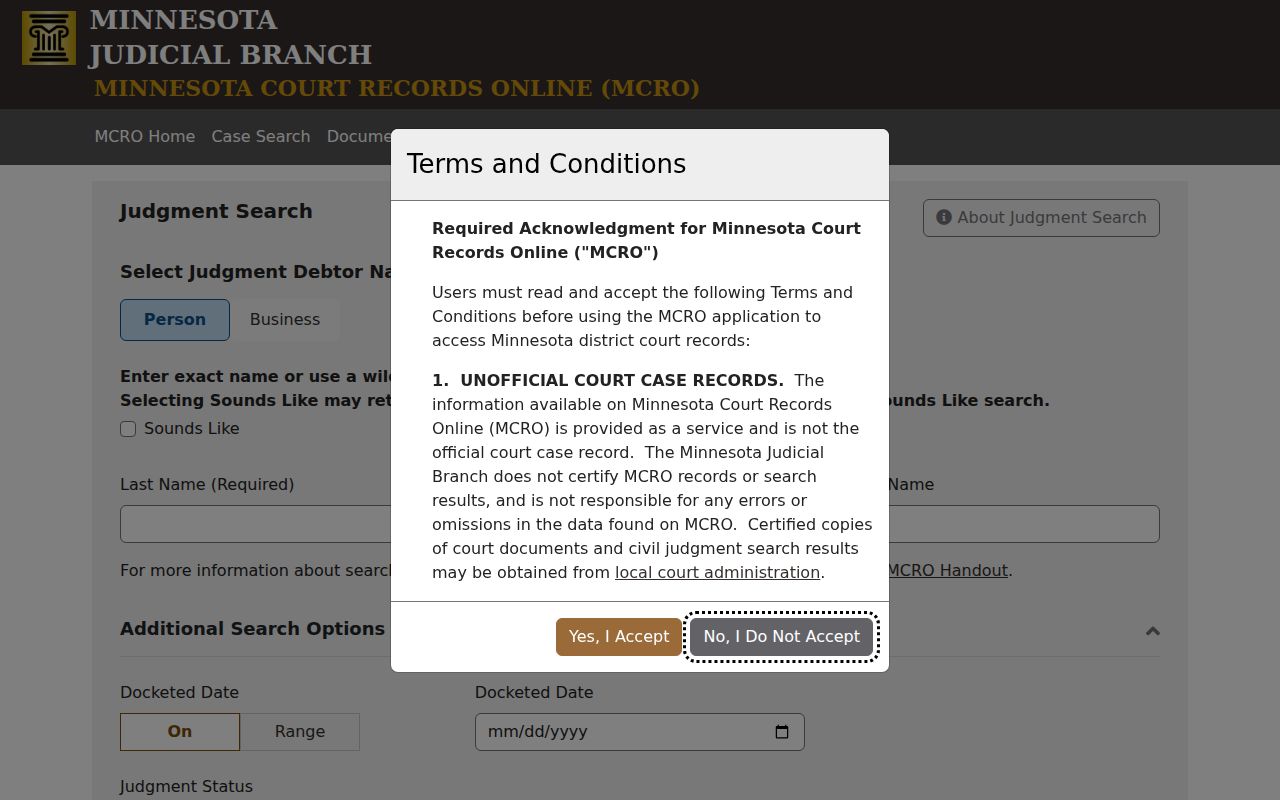
Read a judgment entry alongside the full case record and any proof of satisfaction before drawing conclusions.
What a Case Search Returns
Click a Kandiyohi County result and, where public access allows, MCRO opens the Register of Actions. That is the chronological record for the case. Case Details holds the overview. A Kandiyohi County court docket entry there can include the court file number, the case title or style, category, filing date, venue, and judicial officer. Status, citation number, flags, related cases, and upcoming hearing information may also appear. Remote-access rules limit what party details show.
| Case number | The unique court-file identifier used for the Kandiyohi County case and document routes. |
|---|---|
| Style or parties | The displayed case title and public party roles. |
| Case type | The procedural category, not an outcome. |
| Case Events | Dated Register entries and public document links where available. |
| Hearings | Prior and upcoming settings, with available type and date details. |
| Disposition | Recorded criminal or civil resolution, if one appears. |
Some public attachments offer a View Document link. An index entry with no attachment still reflects a real filing, so do not read its absence as proof the paper never existed.
Kandiyohi County Case Search Result Limits
An empty result does not mean Kandiyohi County has no court case. Several things can hide a record. The name may not match exactly, a criminal or traffic case may still be pending without a conviction, or the matter may fall in a protected or sealed category. Juvenile and family files face added restrictions. Some older records sit outside remote document coverage, and retention schedules destroy others on schedule. A case can even be indexed while its documents stay hidden from remote view.
Check the right route. Use the complete case or citation number when possible, then call Kandiyohi County Court Administration before treating an empty Kandiyohi case search as final.
One more limit from MCRO itself: the terms ban bots and data mining. The tool exists for one case lookup at a time, not for pulling Kandiyohi County court records in bulk.
Statewide vs County Case Search
Kandiyohi County runs through MCRO either way. When you know the case belongs to Kandiyohi County District Court, apply the Kandiyohi County filter. The statewide setting earns its keep when you cannot pin down the county. A common surname also argues for the county filter, since it narrows the docket search fast. Note that no separate Kandiyohi-branded public case-search database exists; MCRO is the route.
| Statewide MCRO search | Kandiyohi-filtered MCRO search |
|---|---|
| Searches participating Minnesota court locations. | Focuses results on Kandiyohi County District Court. |
| Useful when venue is uncertain. | Useful for a known county court record. |
| May create a broad name-result list. | Reduces common-name ambiguity. |
The court counter remains the fallback for older, protected, or excluded materials.
Kandiyohi County Case Search Filing Distinction
Filing tools and reading tools serve different crowds. Minnesota eFile and eServe and the Tyler eFile portal let parties and authorized users submit filings and serve papers in a Kandiyohi County case. Neither one opens the public docket. A filer-level security setting grants no public view of the Kandiyohi Register of Actions.
The court’s eFiling information spells out how the filing channel works; for reading court records, MCRO stays the public case-search channel.
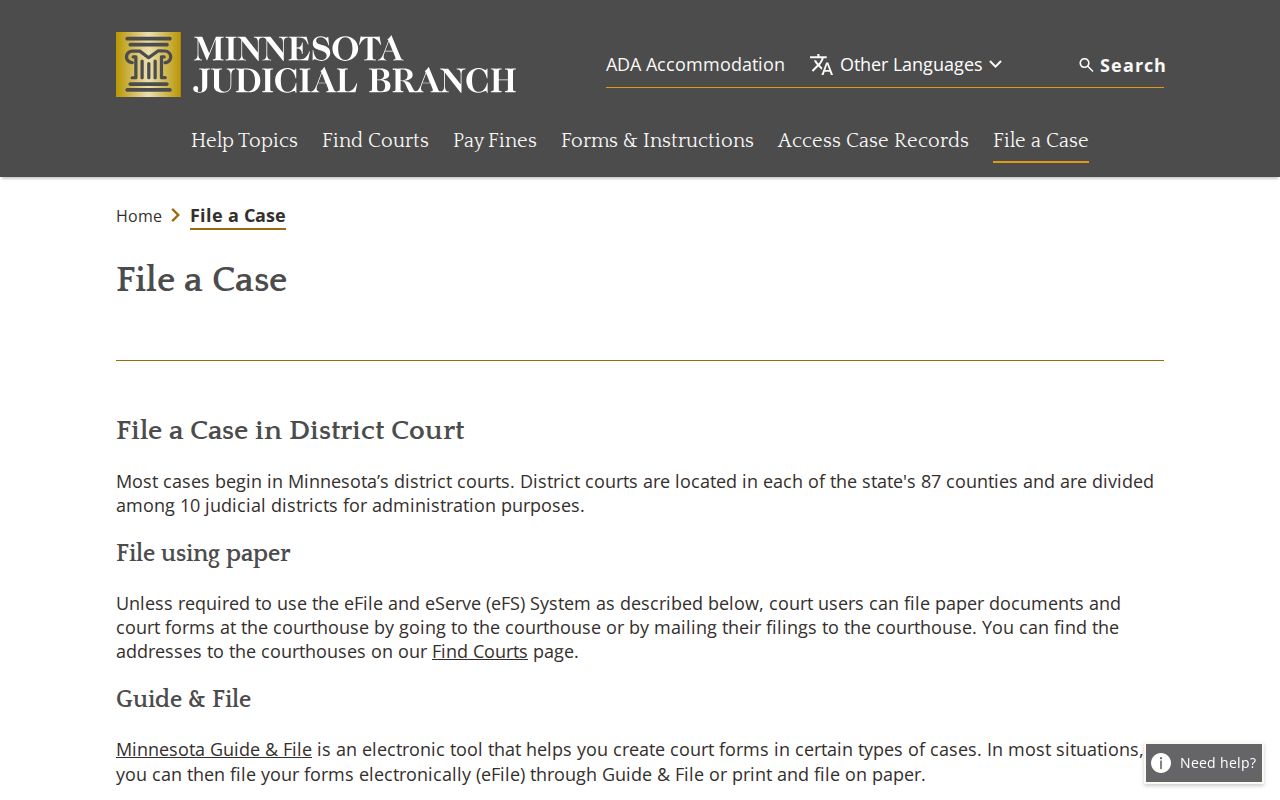
Filing papers and reading the public Kandiyohi County case record are separate tasks on separate court systems.
Access and Restricted Cases
Access questions belong with the court holding the Kandiyohi County file. Rule 8 of the Minnesota Rules of Public Access controls how a Kandiyohi court record can be viewed remotely. It hides more than you might expect. Social Security numbers, EINs, street addresses, phone numbers, and financial-account details stay off the screen. Rule 4 and other court rules add protected categories. Confidential, juvenile, domestic-abuse, harassment, civil-commitment, and certain family material are covered too. A public docket search reveals none of it. So an empty result does not let you infer that a protected case exists or how it ended.
Sealed or confidential records need a Kandiyohi County District Court-authorized route. File a CON101 request with the county. Include the court file number, case type, parties, the records you want, your interest, your reason, a signature, and contact details. A judge makes the call. Kandiyohi County Court Administration will explain the proper path but cannot simply bypass a seal.
Kandiyohi County Case Search Court Fallback
An online docket search can come up short. Then the Kandiyohi County District Court file itself is the fallback. Kandiyohi County Court Administration holds the case records. The Kandiyohi County Register of Actions and case files are kept at 505 Becker Avenue SW, Willmar, MN 56201. Call (320) 231-6206 for case-specific questions, calendar confirmation, routing for older files, or copy instructions. Anything accessible but missing from MCRO lives at the courthouse.
One portal deserves a caution. The Tyler eFile and eServe portal is the system attorneys use to file documents. It is not the public search tool. The official page shows filing services rather than a docket.
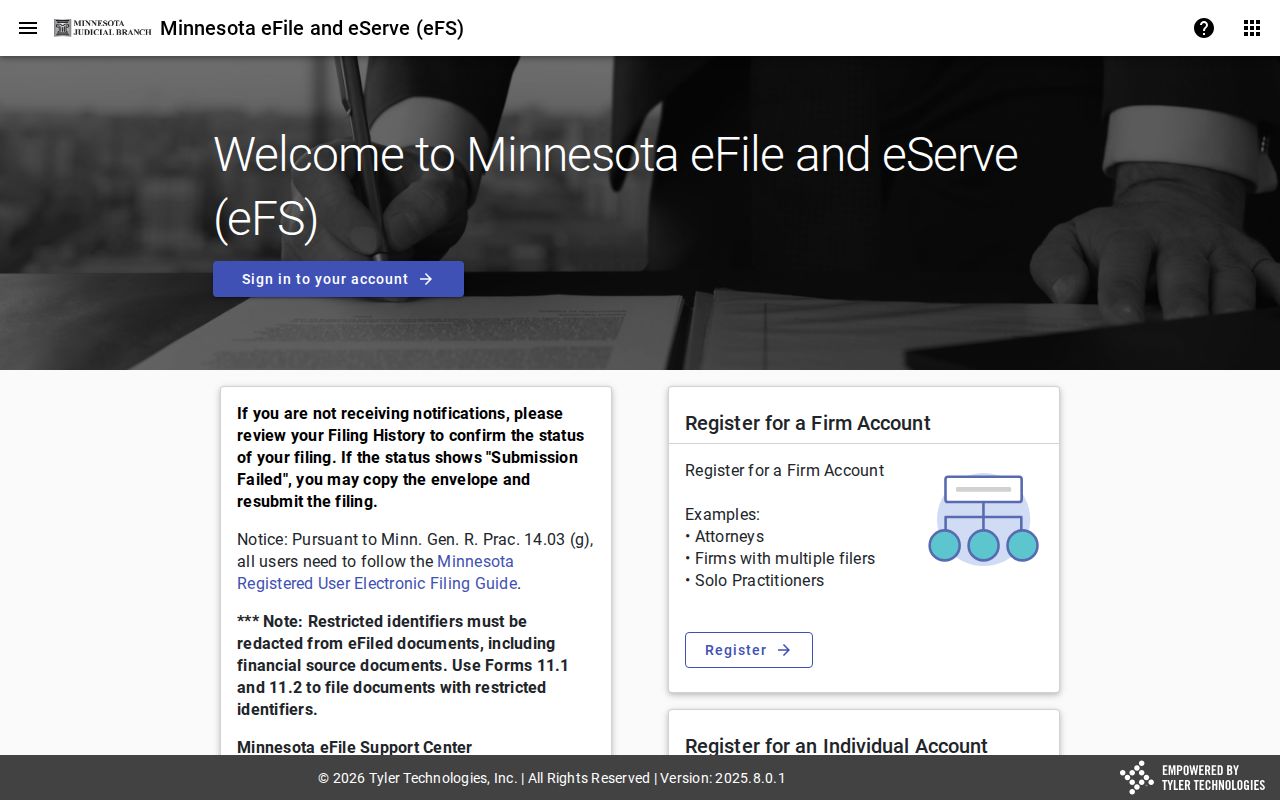
For a public Kandiyohi case lookup, stick with MCRO or call Kandiyohi County Court Administration. The filer portal is not a docket reader. Some older files need a courthouse visit, offsite retrieval, or a copy request even when a current case search shows no document online.